









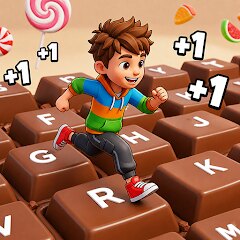

+1 Speed Keyboard Escape

Installs
Category
CasualContent Rating
Everyone
Screenshots
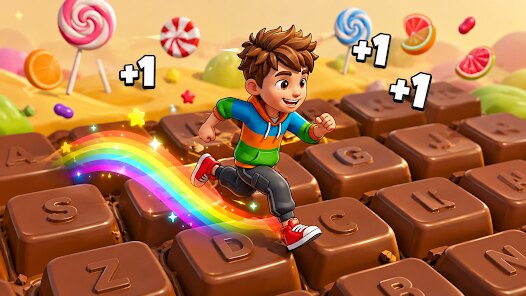
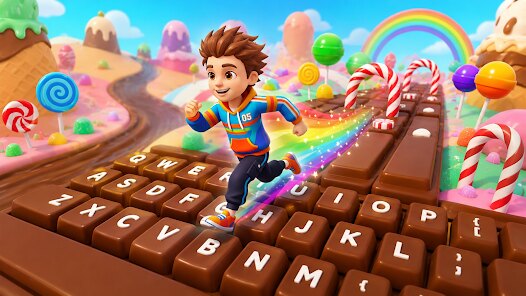
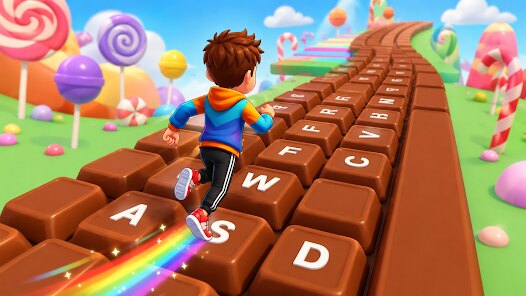
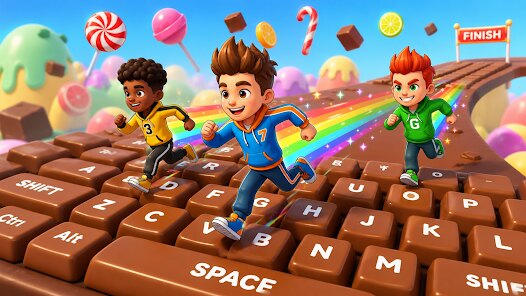
Editor Reviews
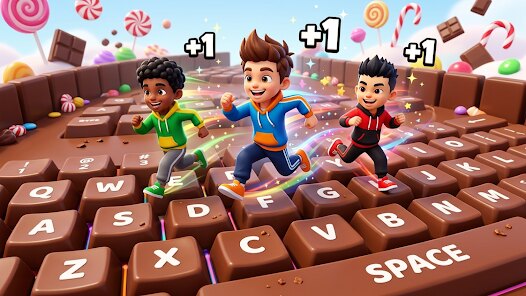
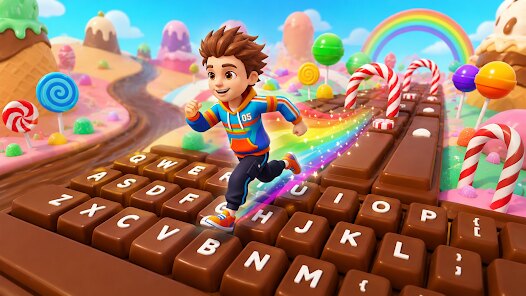
Giochi Studios, a boutique indie developer known for experimenting with minimalist mechanics, has delivered a surprisingly addictive gem in "+1 Speed Keyboard Escape." This is a rhythm-based puzzle-action hybrid that mashes together the frantic energy of speedrunning with the precision of typing games, wrapped in a neon-drenched cyberpunk aesthetic. The sound design is a standout; each keystroke triggers a synthesized click that layers into a dynamic, escalating beat, while the synthwave soundtrack pulses in sync with the on-screen action. Visually, the game leans into a stark, high-contrast style, with glowing gridlines and particle bursts that reward even the most basic success. There's no sprawling narrative here, but the story unfolds through a series of brief, cryptic terminal logs sprinkled between levels, hinting at a rogue AI that has trapped your consciousness inside a crumbling server. It's lightweight, but it cleverly frames the escalating difficulty as you "overclock" your own abilities.
The core loop is deceptively simple: you must type displayed words or letter sequences to "escape" each chamber before a countdown hits zero. The special gameplay twist lies in the "+1" mechanic; every correct word you type adds a second to the timer, but it also increases the speed of subsequent prompts. This creates a delicious risk-reward tension. Do you play it safe with short, easy words, or gamble on longer, complex ones to build a bigger time buffer? Before you know it, your fingers are flying, and the game transforms into a meditative flow state where your brain processes patterns faster than you can consciously think. The game also throws in "glitch" events, where the keyboard layout randomly shuffles for a few seconds, forcing you to adapt or lose precious time.
While the experience is polished, a few minor flaws keep it from perfection. The difficulty curve spikes sharply around level 30, which may alienate casual players, and the lack of a narrative payoff leaves the story feeling like an afterthought. Still, its masterful blend of tension, audio feedback, and pure kinetic satisfaction makes it a must-play for anyone who has ever loved a typing game or a fast-paced arcade challenge. It's a tight, focused experience that respects your time and rewards practice, and for what it sets out to do, it is nearly flawless.
How to play?
Step 1: Start the game and complete the tutorial. The game will first show you a simple prompt like "RUN" and a basic on-screen keyboard. Just click the corresponding keys or press them on your physical keyboard; the tutorial teaches you the core "+1" timing rule.
Step 2: Understand the "+1" system. Every time you correctly type a given word, the timer increases by one second, but the next prompt appears on screen faster. Focus on both speed and accuracy; a single mistake (like an extra character) will freeze the timer for one full second as a penalty.
Step 3: Practice with short, common words first. The game increases word length and complexity as you advance, but early on, building a solid time buffer is key. Try to maintain a rhythm of about one word per 1.5 seconds, as this balances the timer gain against the increasing prompt speed.
Step 4: Watch for the "GLITCH" warning. When the screen flickers, the keyboard layout will randomly shuffle for 5 seconds. During this time, do not rely on muscle memory; instead, scan for the highlighted key on the visual keyboard. Stay calm, and prioritize short words during this phase to minimize error risk.
Step 5: Prioritize prioritizing accuracy over speed in the first 20 levels. Once you have a stable 5-second buffer, try to type the longest word available to farm extra time. A long word like "SYNCHRONIZE" grants a huge boost but also massively speeds up the next prompt, so use it only when you have a comfortable lead.
Step 6: Learn to predict the spawn pattern. The next prompt will always appear at a random position on the screen, but the word itself is always a common English word or a short code. After clearing 10 levels, you will notice that the game cycles through a fixed set of words. Memorize the frequent ones to cut reaction time.
Step 7: Survival strategy for the final 10 levels. When the countdown drops below 3 seconds, do not panic. Type any grammatical, 3-letter word like "THE," "AND," or "FOR" to quickly add a second, then immediately shift your focus to the next prompt. Stay in a "bounce mode," and you will secure the escape.
Download Apk File
Online Games






Disclaimer
1 . Leogame does not represent any developer, nor is it the developer of any App or game.
2 . Leogame provide screenshots, historical version Apk, links and other information, which we collected from Google Play. We will also add our own reviews to provide users with more information to choose.
3 . All trademarks, registered trademarks, product names and company names or logos appearing on the site are the property of their respective owners.
4 . Leogame abides by the federal Digital Millennium Copyright Act (DMCA) by responding to notices of alleged infringement that complies with the DMCA and other applicable laws.
5 . We guarantee the security of apk files downloaded from our site and also provide the official download link at Google Play Store and App Store.
6 . If you are the owner or copyright representative and want to delete your information, please contact us [email protected].
7 . All the information on this website is strictly observed all the terms and conditions of Google Ads Advertising policies and Google Unwanted Software policy.