









Gangs Wars: Pixel Shooter RP


Installs
10M+Category
OfflineContent Rating
Mature 17+
Screenshots
Editor Reviews
From the creative minds at playducky.com, a developer known for its engaging browser-based titles, comes 'Gangs Wars: Pixel Shooter RP', a game that masterfully blends the nostalgic charm of retro pixel art with the intense, strategic action of a role-playing shooter. This title carves its niche in the crowded online shooter market by offering a top-down perspective that emphasizes tactical movement and cover-based combat over pure twitch reflexes, setting it apart as a thoughtful and accessible experience.
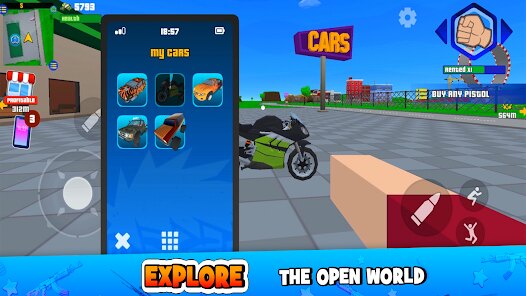
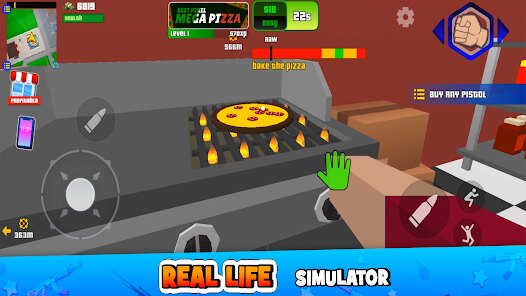
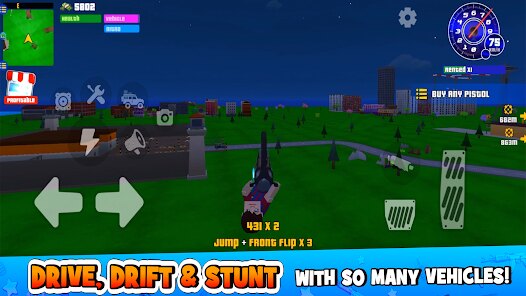
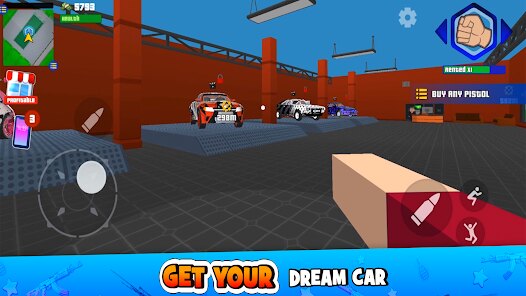
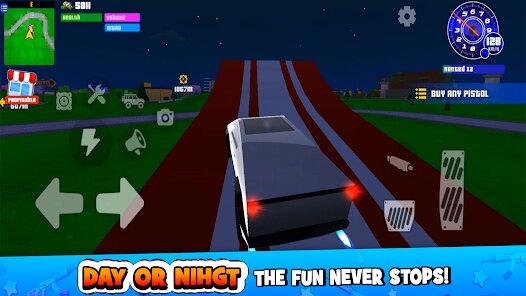
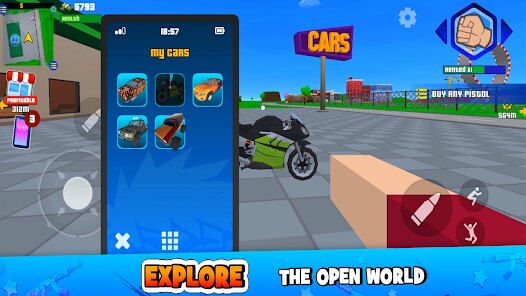
The game's aesthetic is a love letter to classic arcade shooters, with vibrant, blocky environments and character sprites that are both charming and clear in their design. The sound design complements this perfectly, featuring satisfyingly chunky gunshot effects, impactful explosion sounds, and a driving, synth-heavy soundtrack that keeps the adrenaline pumping. The narrative, while not the central focus, provides a compelling backdrop of urban turf warfare, casting you as a rising enforcer in a city divided by rival factions. This simple premise effectively fuels the core gameplay loop of missions, territory capture, and character progression.
Special gameplay mechanics elevate 'Gangs Wars' beyond a simple point-and-shoot affair. The RPG elements are key; you earn cash and experience from completing jobs and winning shootouts, which can be used to purchase an impressive arsenal of weapons, upgrade your character's stats like health and accuracy, and acquire stylish cosmetic items. A particularly engaging technique involves using the environment strategically—dodging behind cars and dumpsters for cover, flanking enemies, and mastering the recoil patterns of different weapon classes are essential for survival in harder districts. While the game excels in its core loop, some players might find the progression can feel grindy at later stages, and matchmaking can occasionally lead to uneven skirmishes. Nonetheless, for a free-to-play browser game, it delivers a remarkably polished and addictive package that successfully captures the thrill of gangland warfare through a retro lens.
How to play?
🎮 Step 1: Access and Character Creation. Head to playducky.com and launch 'Gangs Wars'. You'll start by creating your gangster avatar. Choose a name and customize your look with the initial options—you can unlock more styles later.
📍 Step 2: Complete the Tutorial. Follow the on-screen prompts in the starting district. This will teach you the essential controls: moving with WASD or arrow keys, aiming with your mouse, shooting with the left mouse button, and using 'R' to reload. Don't skip this!
💼 Step 3: Take on Starter Missions. Open your map (usually 'M' key) to see available jobs. Start with simple delivery or 'clean-up' missions marked with green icons. These are low-risk and will give you your first cash and XP to start building your reputation.
🔫 Step 4: Engage in Your First Shootouts. As you explore, you'll encounter rival gang NPCs or other players in PvP zones. Use cover! Crouch behind objects by pressing 'C' to avoid fire. Aim for headshots for quicker takedowns and more rewards.
💰 Step 5: Spend Your Earnings Wisely. After a few missions, press 'I' to open your inventory and 'U' for the upgrade shop. First, invest in a better primary weapon than your starter pistol. Then, consider upgrading your health or damage stats to become more durable.
🏆 Step 6: Capture Territories for Passive Income. Once you're confident, join gang operations to capture key locations on the map. Controlling a territory earns you cash over time. Work with other players online to attack and defend these areas strategically.
🔄 Step 7: Grind, Customize, and Dominate. The core loop is to complete harder missions, win PvP fights, and earn money to continuously upgrade your gear and stats. Experiment with different weapon loadouts, unlock new clothing, and rise to become the top kingpin in the city's criminal underworld.
Download Apk File
Online Games










Disclaimer
1 . Leogame does not represent any developer, nor is it the developer of any App or game.
2 . Leogame provide screenshots, historical version Apk, links and other information, which we collected from Google Play. We will also add our own reviews to provide users with more information to choose.
3 . All trademarks, registered trademarks, product names and company names or logos appearing on the site are the property of their respective owners.
4 . Leogame abides by the federal Digital Millennium Copyright Act (DMCA) by responding to notices of alleged infringement that complies with the DMCA and other applicable laws.
5 . We guarantee the security of apk files downloaded from our site and also provide the official download link at Google Play Store and App Store.
6 . If you are the owner or copyright representative and want to delete your information, please contact us [email protected].
7 . All the information on this website is strictly observed all the terms and conditions of Google Ads Advertising policies and Google Unwanted Software policy.